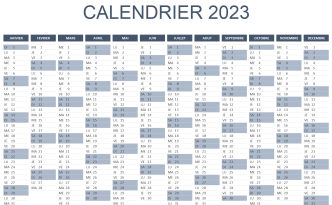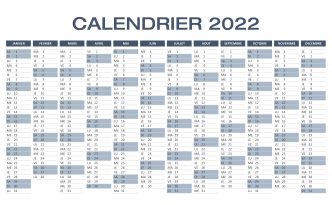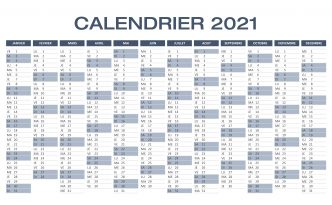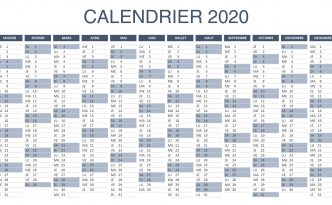

| Comment j'ai procédé ?
1 - Je recherche le nombre de colonnes 2 - Je fais une boucle sur ce nombre de colonnes 3 - Pour faire une boucle For i = 1 to Nombre de colonnes j'ai utilisé un code trouvé sur Internet qui convertira le 1 en A, le 2 en B, etc ... 4 - Pour chacune de ces colonnes je recherche le critère existe 5 - A chaque fois que le critère est trouvé, la colonne est mise dans une variable (Plg) 6 - A la fin du programme, grâce à la variable (Plg) je sélectionne les colonnes concernées. |
| Ici le fichier à télécharger |
|
Sub RechercheCritereDansColonne()Dim LaValATrouver As Range Application.ScreenUpdating = FalseOn Error Resume Next Lavaleur = "M9" Range([A1], [IV1].End(xlToLeft)).Select NbCol = Selection.Columns.Count For i = 1 To NbCol MyCol = GetColumnHeaderFromIndex(i) Range(MyCol & ":" & MyCol).SelectWith Selection Set LaValATrouver = .Find(What:=Lavaleur, After:=ActiveCell, _ LookIn:=xlFormulas, LookAt:=xlPart, SearchOrder:=xlByRows, _ SearchDirection:=xlNext, MatchCase:= False , SearchFormat:= False )End With ' La valeur est trouvée... ? If Not LaValATrouver Is Nothing Then MyCol = GetColumnHeaderFromIndex(cll.Column) Plg = Plg & MyCol & ":" & MyCol & ","Else ' La valeur n'est pas trouvée End If Next iIf Len (Plg) > 0 Then Range( Left (Plg, Len (Plg) - 1 )).Select End Sub
Function GetColumnHeaderFromIndex( ByVal Index As Integer ) As StringDim iInt%, iRest%If Index > 256 Then GetColumnHeaderFromIndex = vbNullString ElseIf Index < 27 Then GetColumnHeaderFromIndex = GetLetterFromNumber(Index) Else iInt = Index \ 26 : iRest = Index Mod 26 If iRest = 0 Then iInt = iInt - 1 : iRest = 26 GetColumnHeaderFromIndex = GetLetterFromNumber(iInt) & GetLetterFromNumber(iRest) End If End Function
Function GetLetterFromNumber( ByVal Number As Integer ) As StringIf Number < 1 Or Number > 26 Then GetLetterFromNumber = vbNullString Else» GetLetterFromNumber = Chr$ (Number + 64 )End Function |